
Turning an RP2350 into a Security Key
using pico keys on rp2350 dev board.
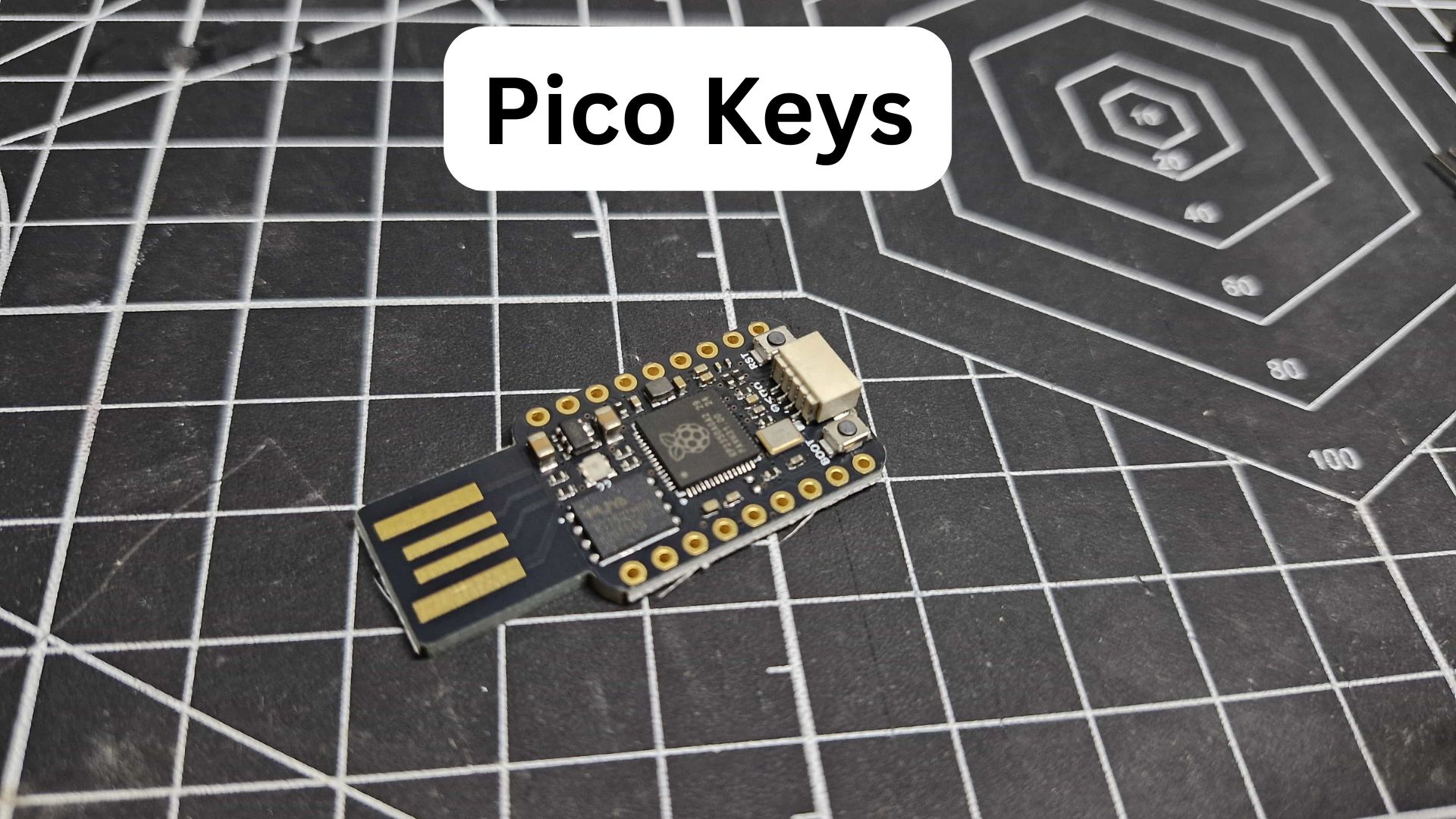
I recently came across a project called PicoKeys, and I thought it was a pretty cool use of these tiny development boards.
PicoKeys is an open-source firmware project that can turn boards based on the RP2040, RP2350/RP2354, and ESP32-S3 into different types of security devices. Depending on the firmware, you can use them for FIDO2 passkeys, OpenPGP, or other cryptographic applications.
The RP2040 is supported, but I decided to go with an RP2350 because it has a stronger hardware-security foundation. The RP2040 lacks some of the built-in security features available on the newer RP2350.
A Tiny Security Key
For the hardware, I picked up this tiny RP2350 development board with a USB-A connector built directly into the PCB.
That makes it particularly convenient for this project. There isn’t much to it — flash the firmware, plug it into a USB port, and you have a functional security key.
I then 3D printed a small enclosure for it.
3D model: RP2350 USB Dongle Case on Printables
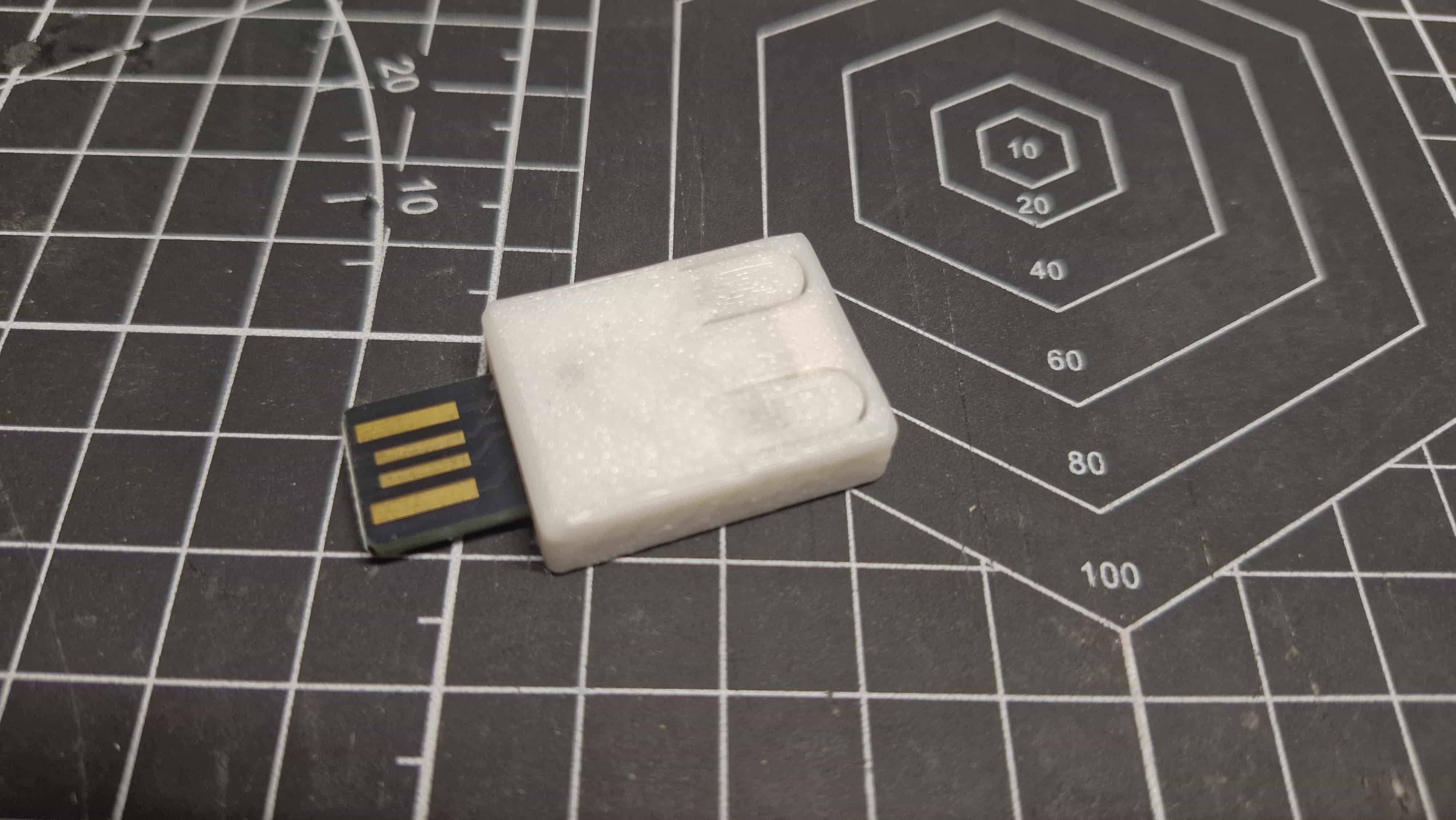
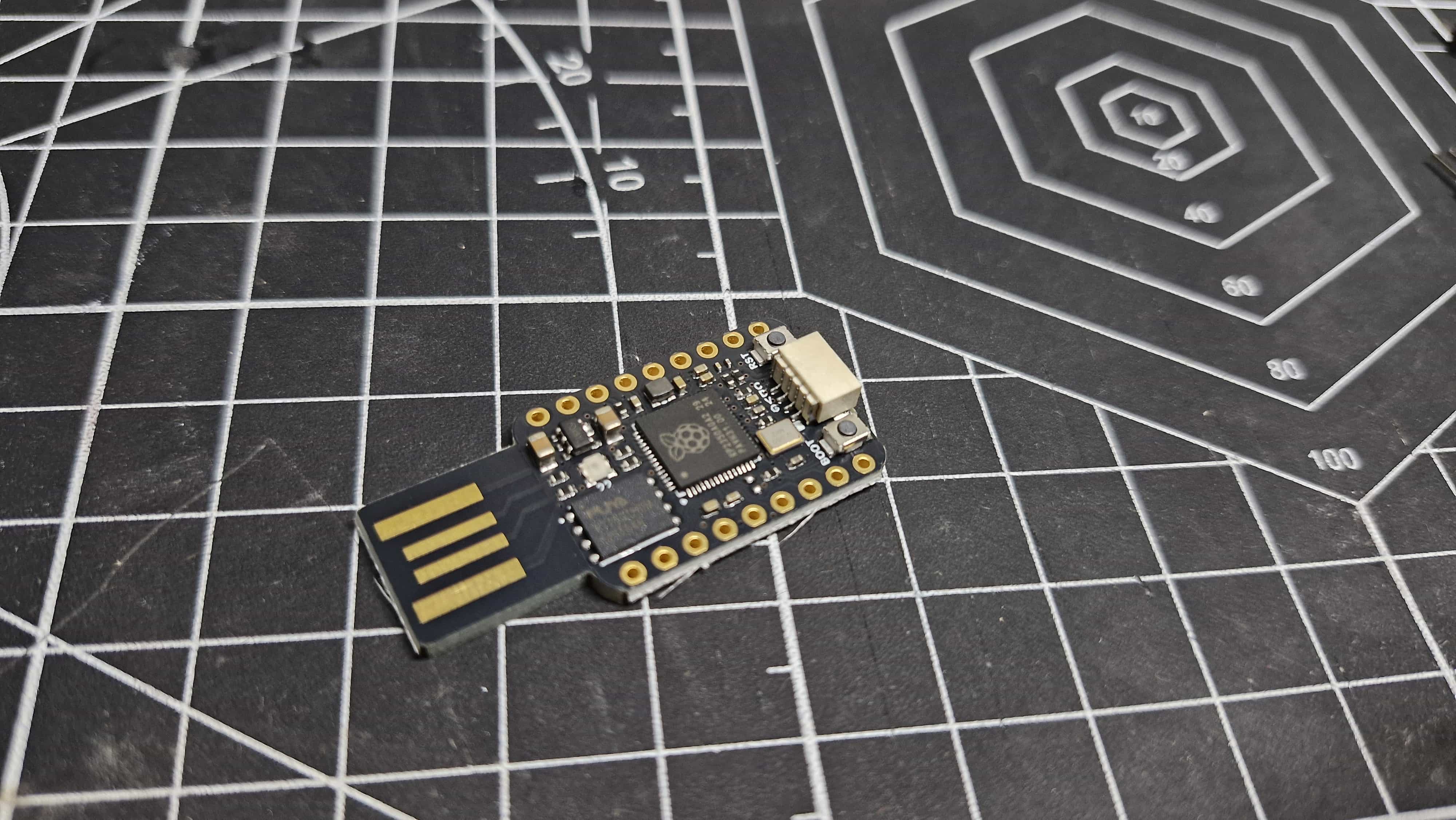
Once everything was assembled, I ended up with a tiny security key that I can actually use for logging into services that support FIDO2/passkeys.
It’s one of those projects I really like because there isn’t much hardware involved, but you’re taking a cheap development board and turning it into something genuinely useful.
And of course, there’s something satisfying about having a 3D-printed security key that I made myself sitting on my keychain.
What I used
- MCU: RP2350
- Firmware: PicoKeys
- Connection: USB-A
- Enclosure: 3D printed
- Use: FIDO2 / passkey authentication