From Envelope Writer to A3 Drawbot: Modding a Small Drawing Robot
The Find
I found a great deal on a small drawing bot, likely intended for writing addresses on envelopes. One thing that immediately caught my attention was the pen mechanism — it was driven by a stepper motor instead of the more common servo setup. That alone made it worth picking up.
Getting It Running
I started by configuring the electronics and setting up a basic workflow to get the machine moving. It worked, but it quickly became obvious that the stock setup had a lot of limitations.
Mechanically, the machine was not very stable. The usable work area was quite small, and there were no endstops at all — everything had to be defined in software. That was workable, but far from ideal.
Mechanical Upgrades
To fix the fundamentals, I ordered some 2020 aluminum rails and proper endstops. I also ordered longer stepper wires and expanded the work area to almost A3 size.
With the larger working envelope came a new issue. Because of the shape of the machine and the extended arm, the drawing arm started to sag near the edges. That directly affected the pen height and consistency.
The new rail I had was not quite long enough, but I still had parts from the original disassembly. Using the 3D printer, I designed and printed:
- Rail connectors
- Base plates so the frame sits square on the table
- A sliding buffer that supports the arm as it moves
- Mounting plates for X and Y endstop sensors
These changes made a huge difference in rigidity and repeatability.
Software Workflow
On the software side, things were a bit rough at first. There was no clear end‑to‑end workflow. The typical approach involved:
- Using Inkscape plugins to generate G‑code
- Sending that G‑code to the controller with a separate GRBL sender
It worked, but it was clunky.
After some searching, I came across grbl‑plotter, an open‑source program that turned out to be exactly what I needed. It is very feature‑rich and definitely has a learning curve, but once set up, it made the entire workflow much smoother and more predictable.
Post‑Processing and Generative Tools
Digging deeper, I discovered vpype, a Python library designed specifically for pen plotters. This was a big step up.
Vpype understands that designs are drawn with a pen, not a laser or spindle. You can:
- Set pen line thickness
- Remove overlapping lines (very common in generative designs)
- Chain powerful post‑processing operations
It also has some interesting plugins and even supports a level of generative design on its own.
Other Software Options
There are also some commercial and alternative tools worth mentioning:
- DrawingBot V3 — a commercial tool with pattern generation features
- Makelangelo — a popular program for polar plotters that can generate interesting patterns
Results
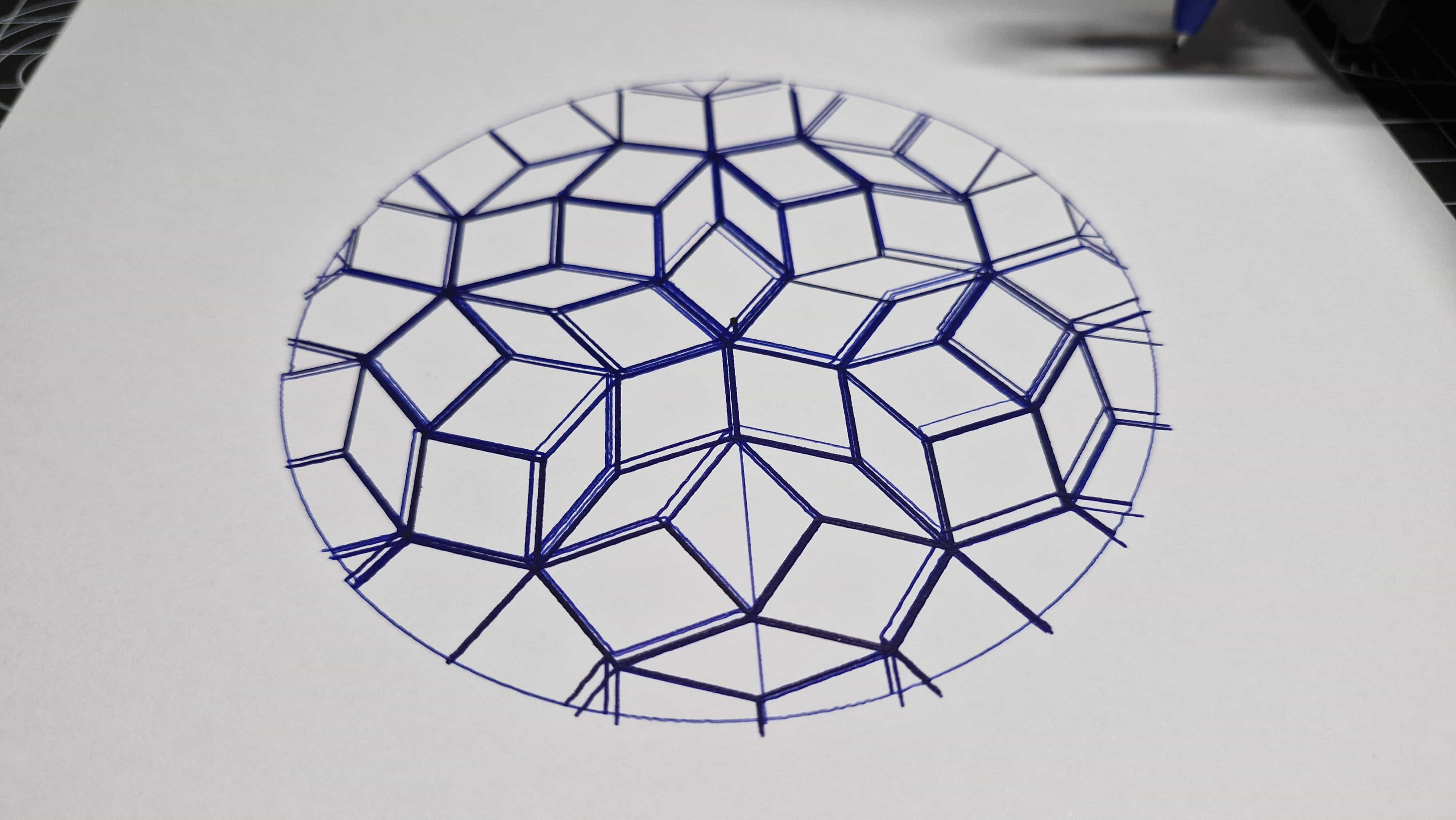
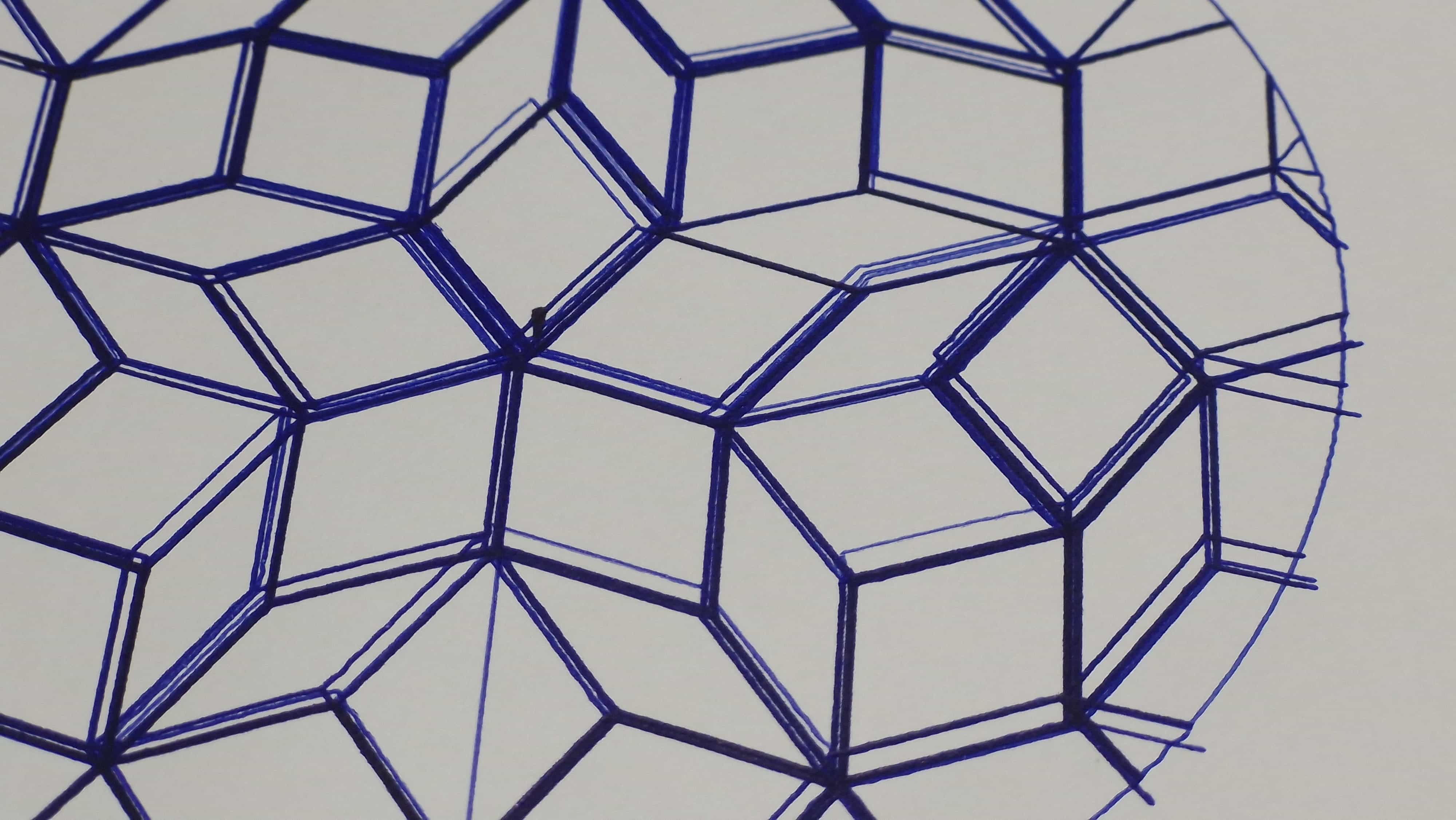
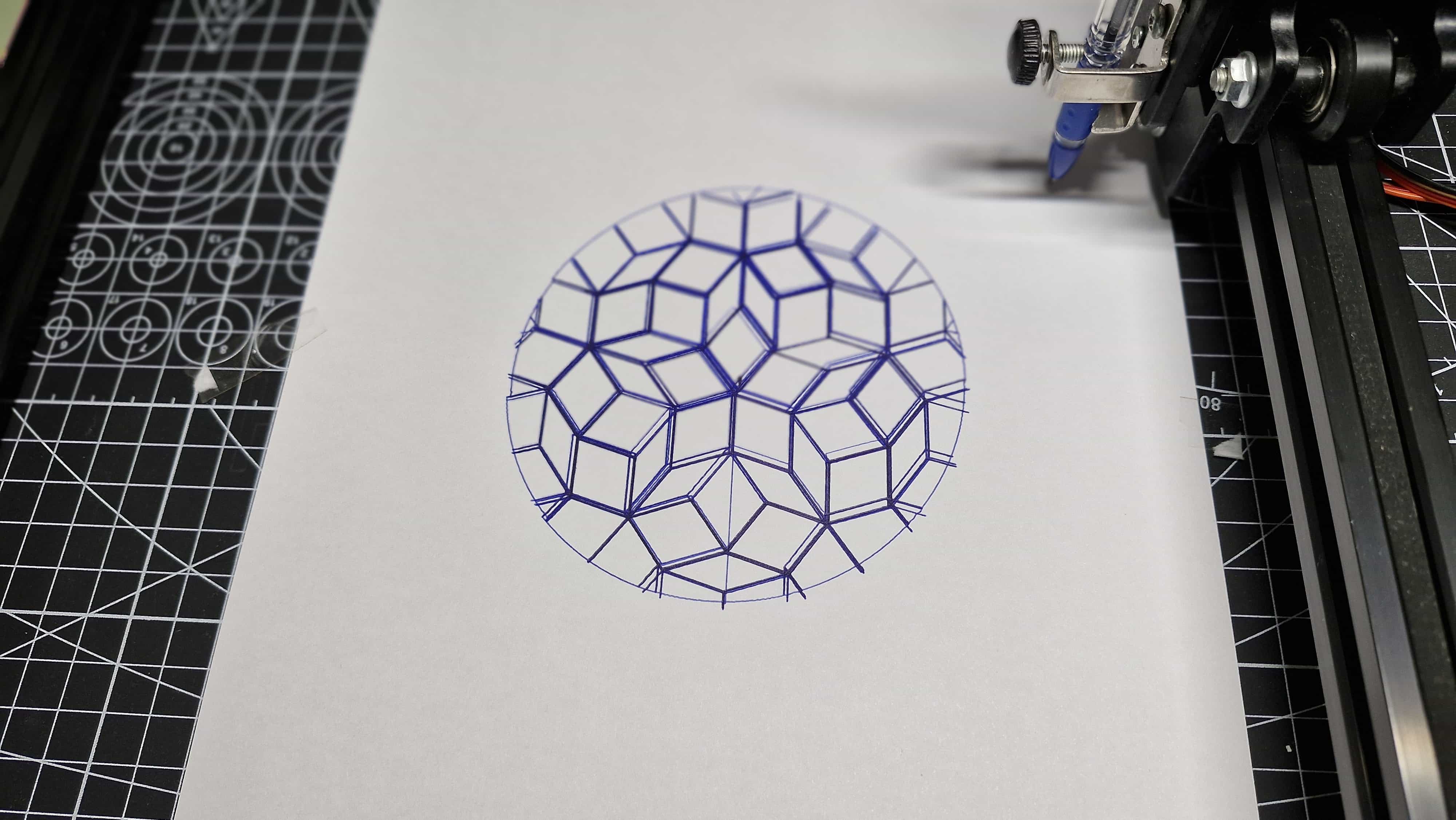
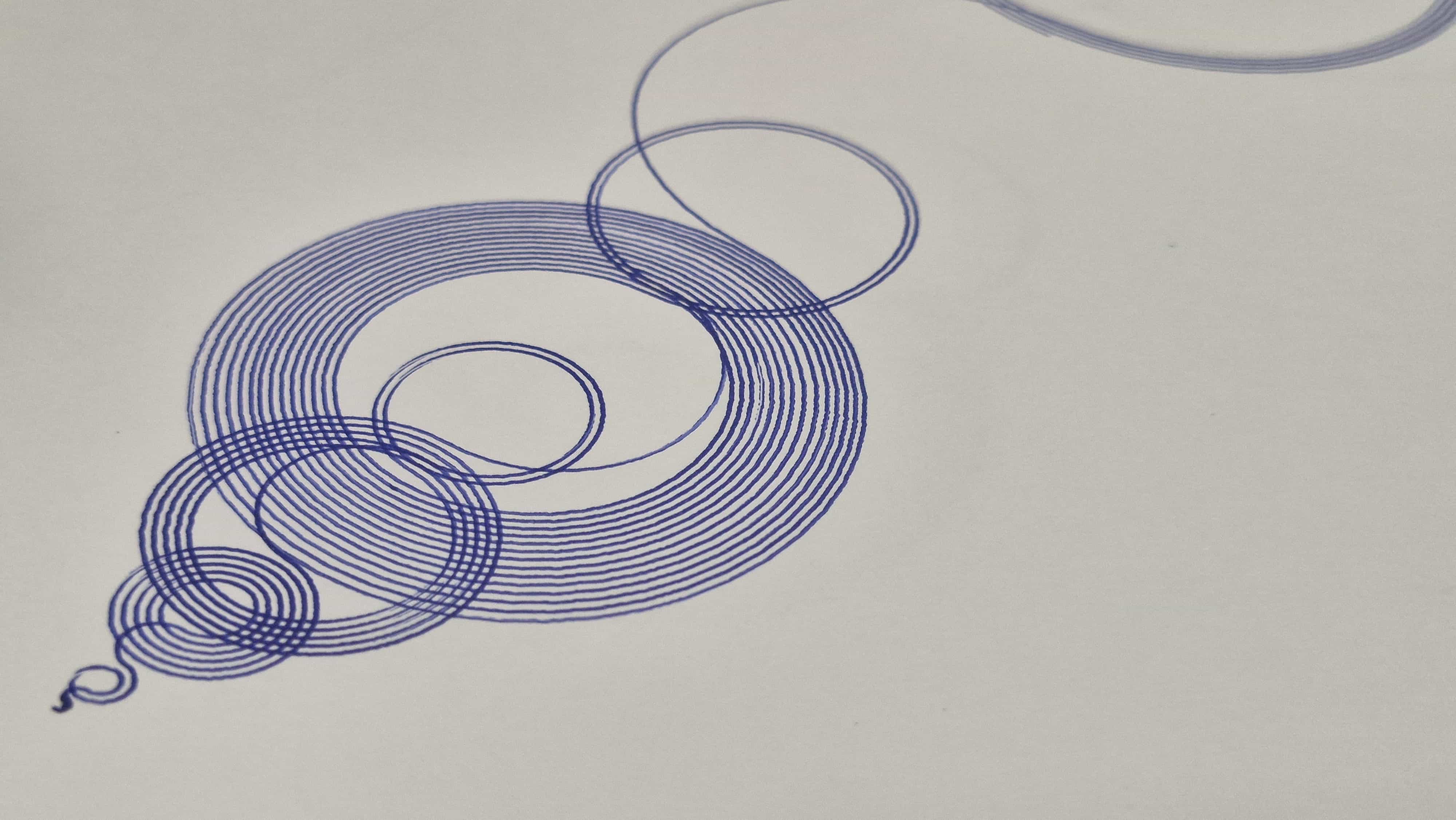
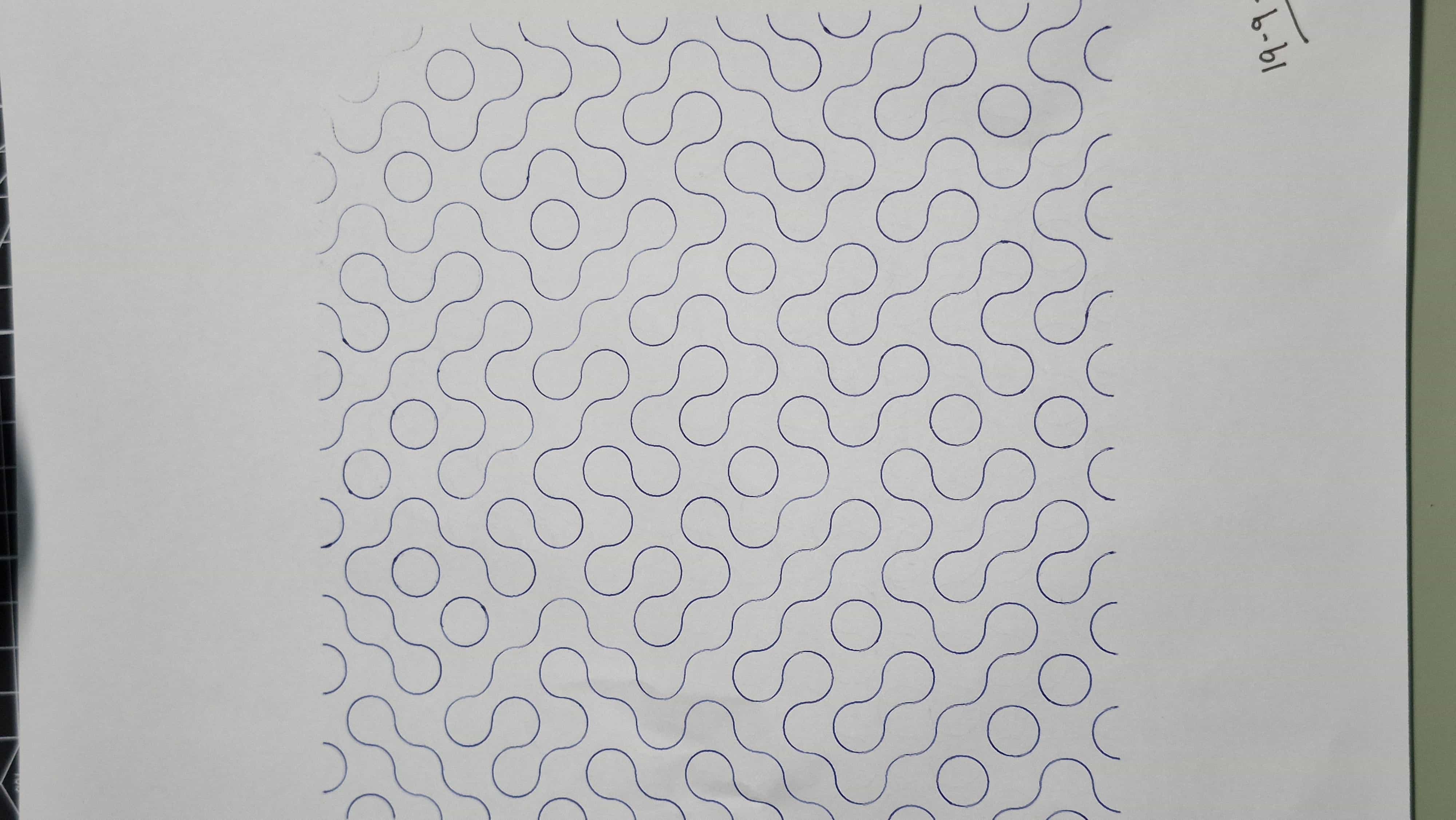
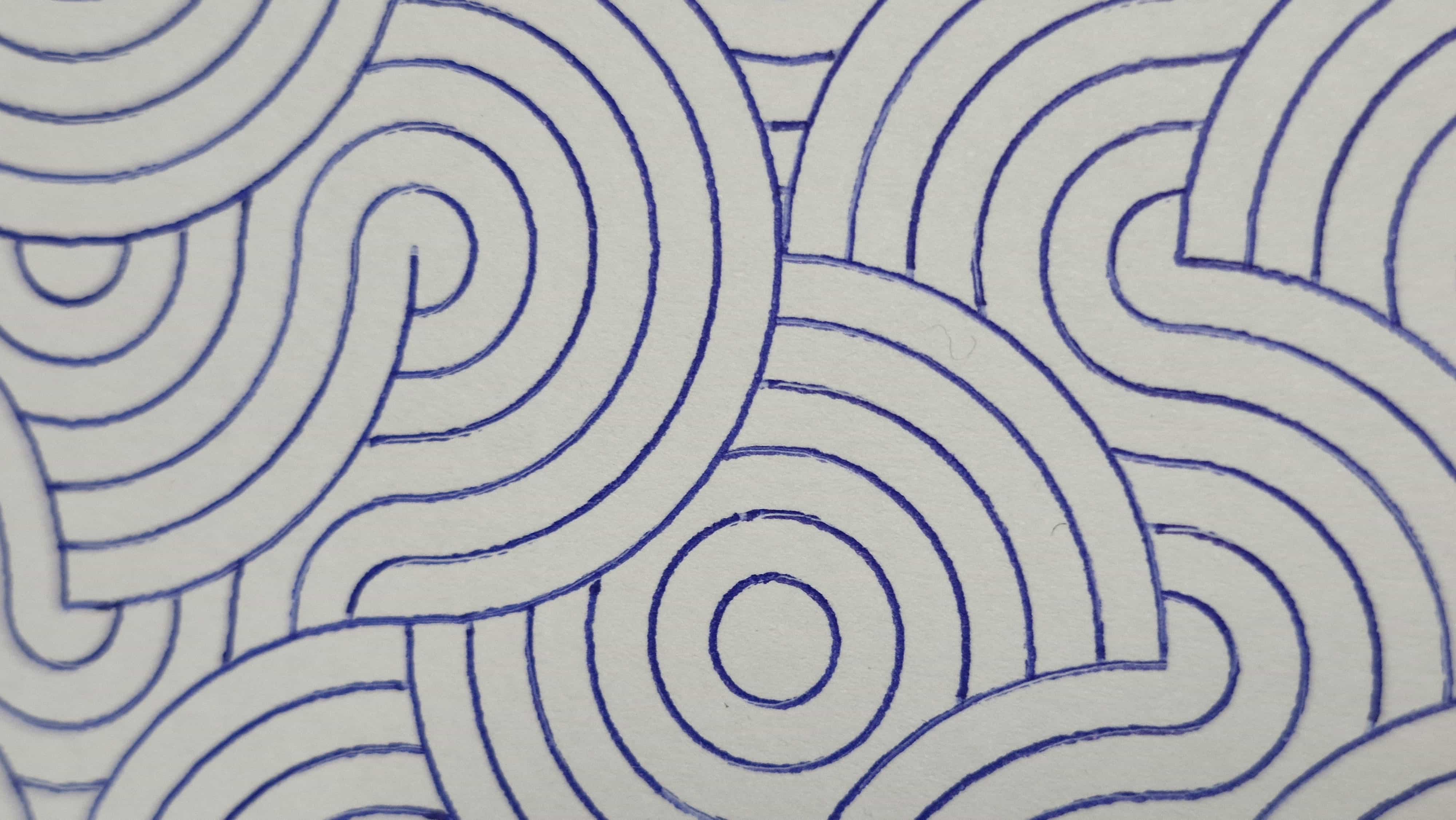
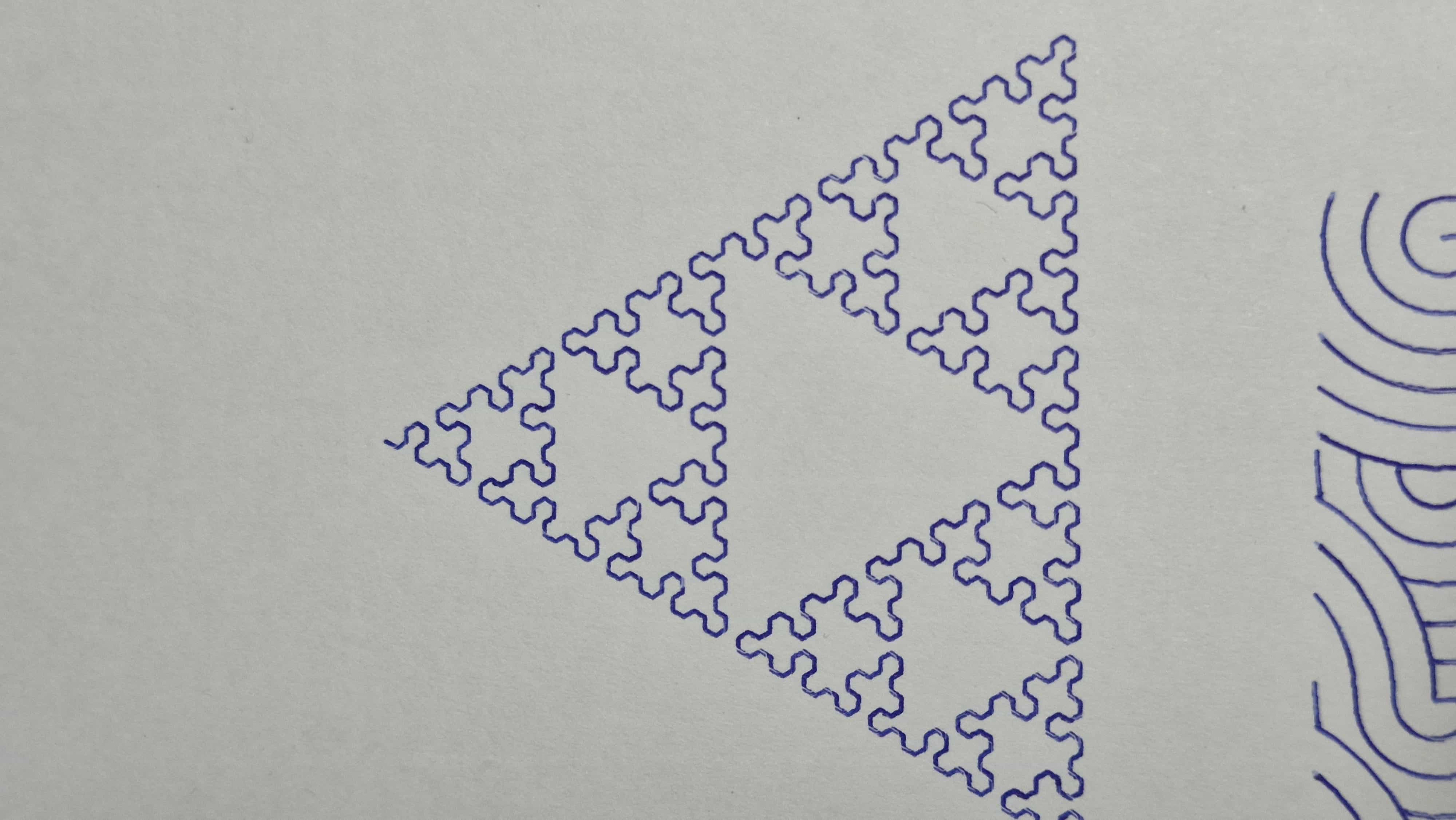
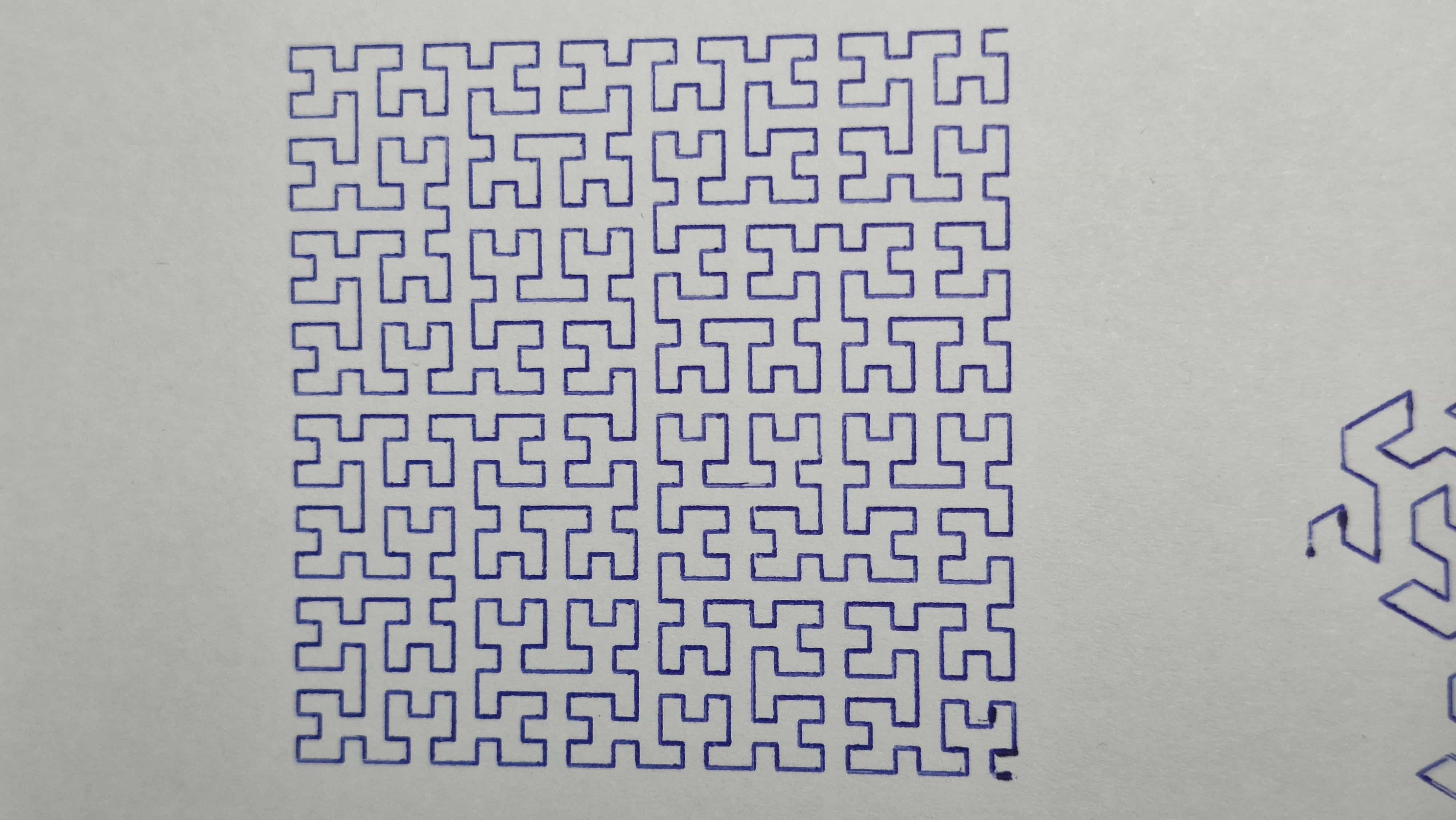
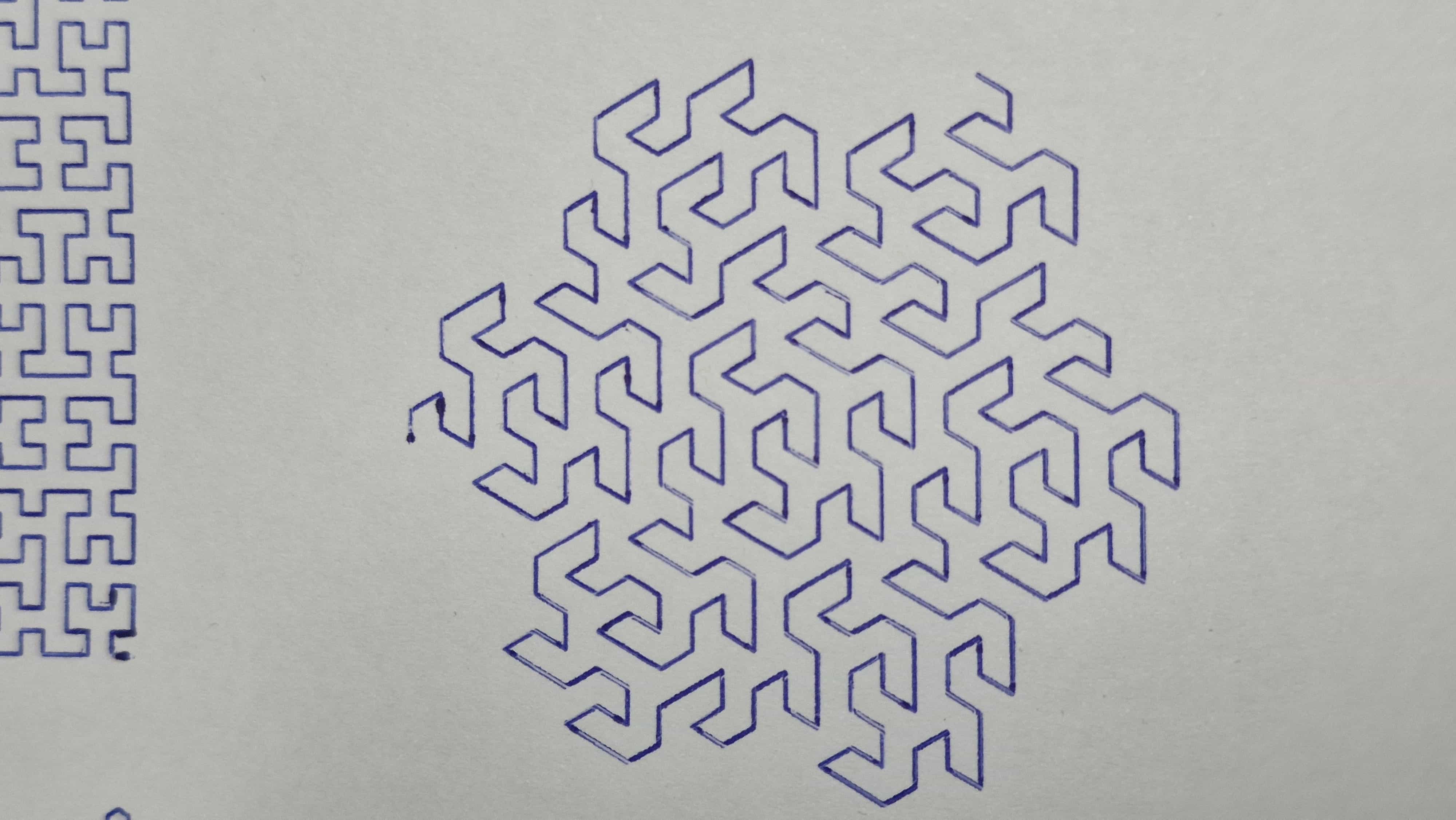
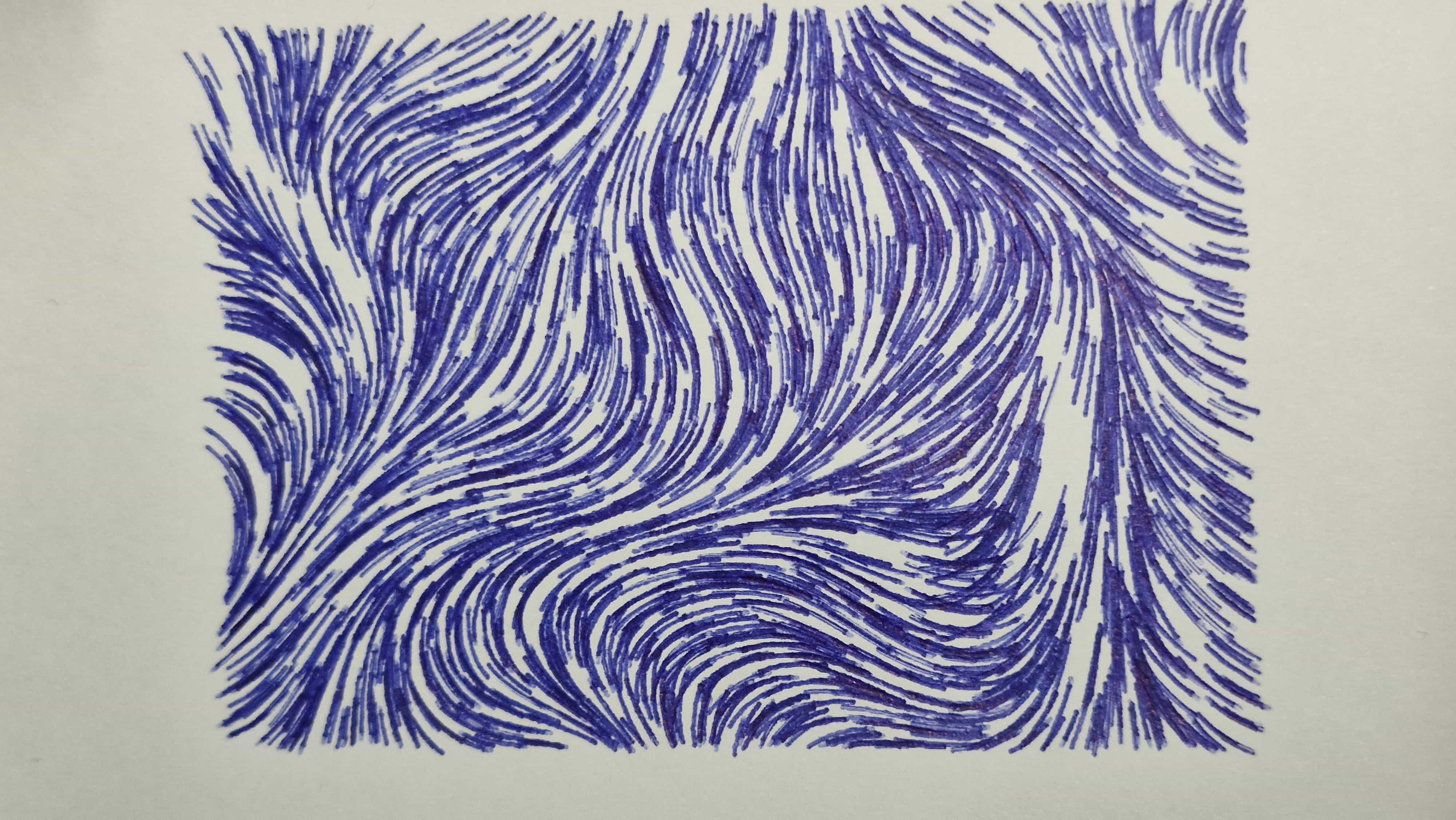
After all the mechanical and software work, I started plotting a lot of interesting patterns. The machine is now far more stable, the workflow is predictable, and experimenting with generative designs is actually enjoyable.
This project turned a basic envelope writer into a capable A3‑scale drawbot, and it has been a fun mix of mechanical fixes, 3D printing, and software exploration.



Archives
Tags